Keep the photos you love
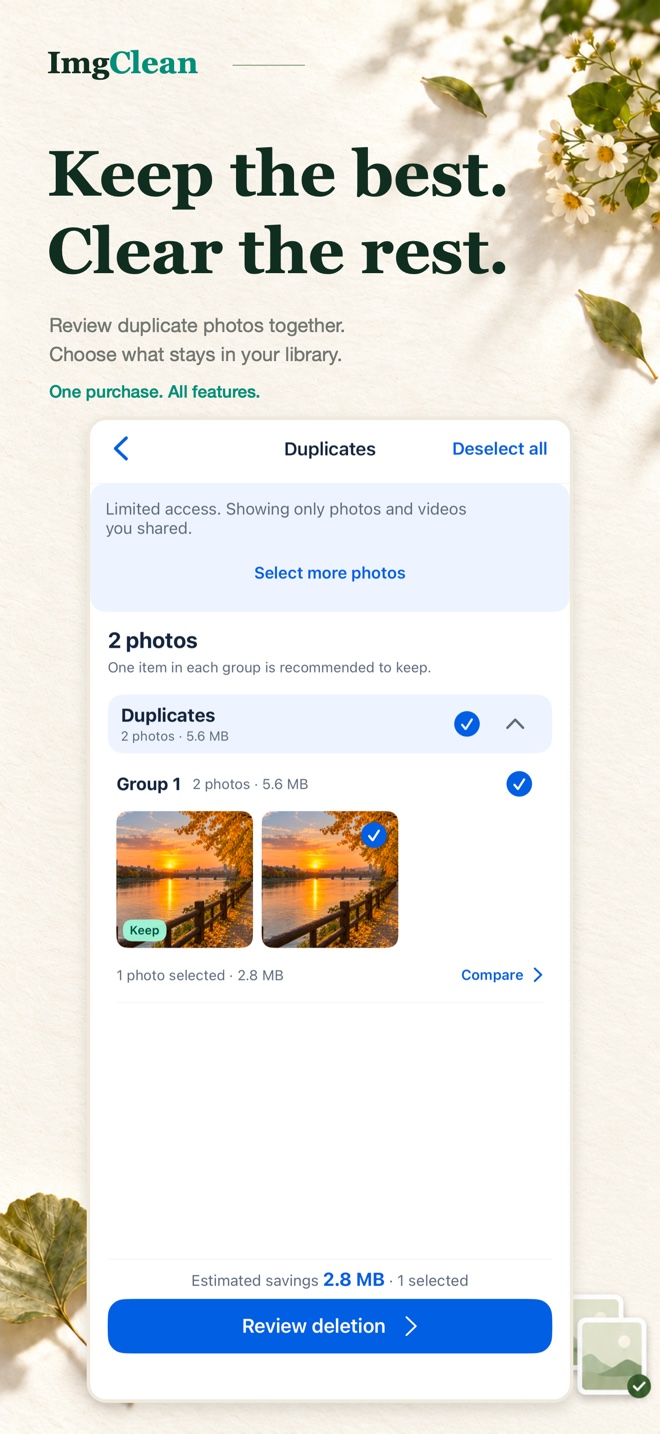
Compare similar and duplicate photos, then choose what to keep. Review your selection before confirming a deletion.
 ImgClean
A little less clutter. A little more space.
Review similar photos. Save smaller copies.
Keep your favorite moments, with room for more.
You choose what stays. Deletions need your confirmation.
A clearer photo library, one step at a time
Five ways to get to know ImgClean, from reviewing photos to choosing your compression settings.
Compare similar and duplicate photos, then choose what to keep. Review your selection before confirming a deletion.
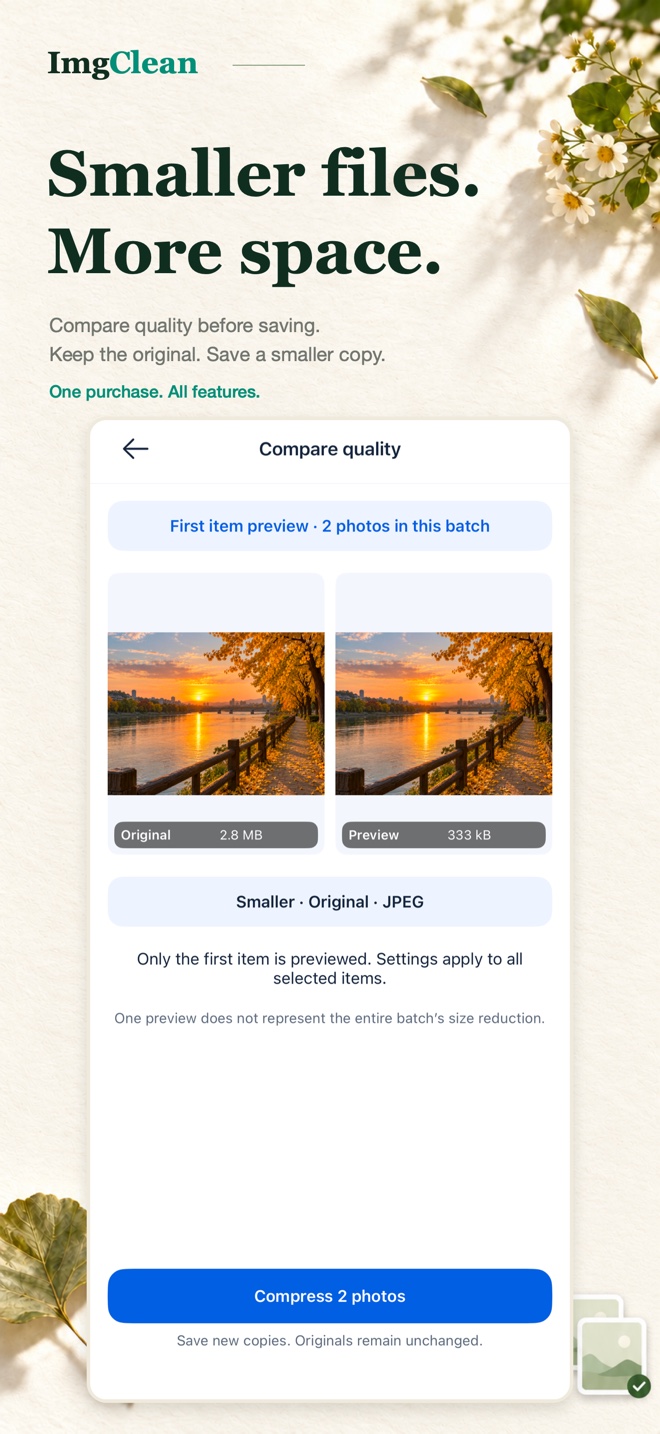
Compress photos and videos, compare quality and size, then save a new copy. Removing the original is a separate choice.
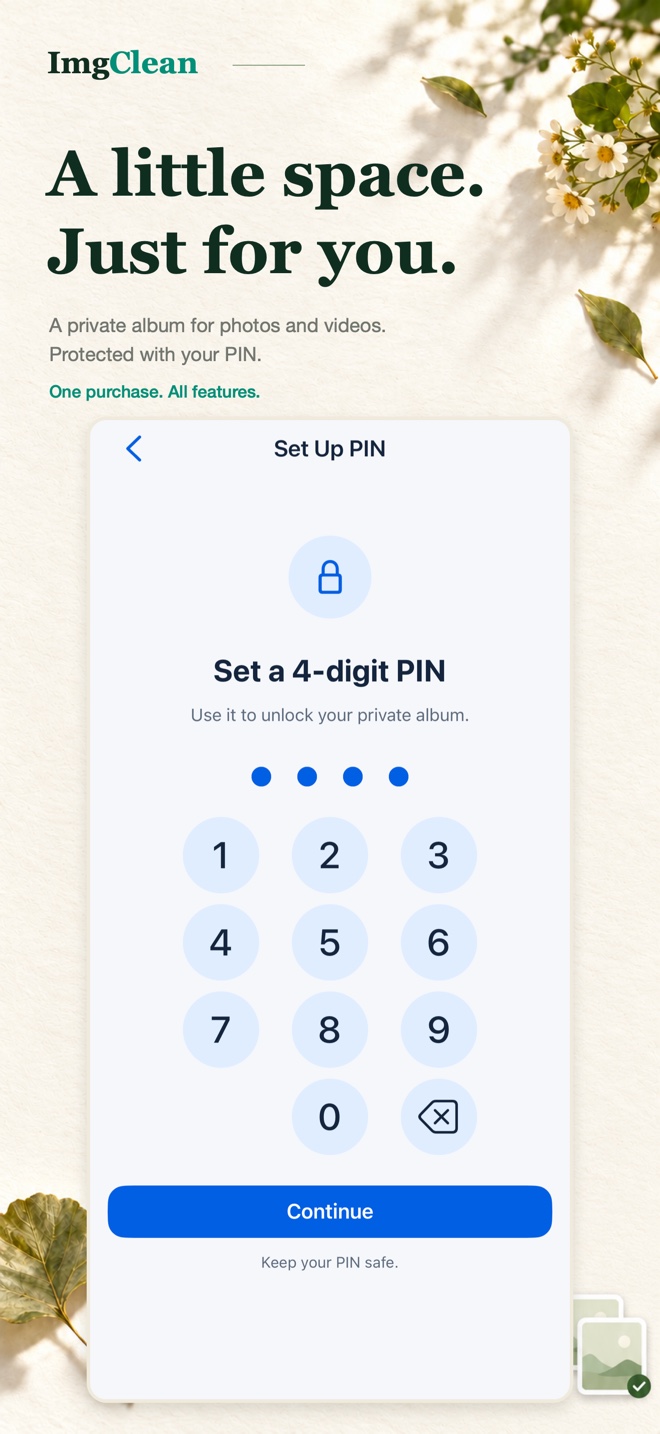
Protect private photos and videos with a PIN, with biometric unlocking on supported devices.
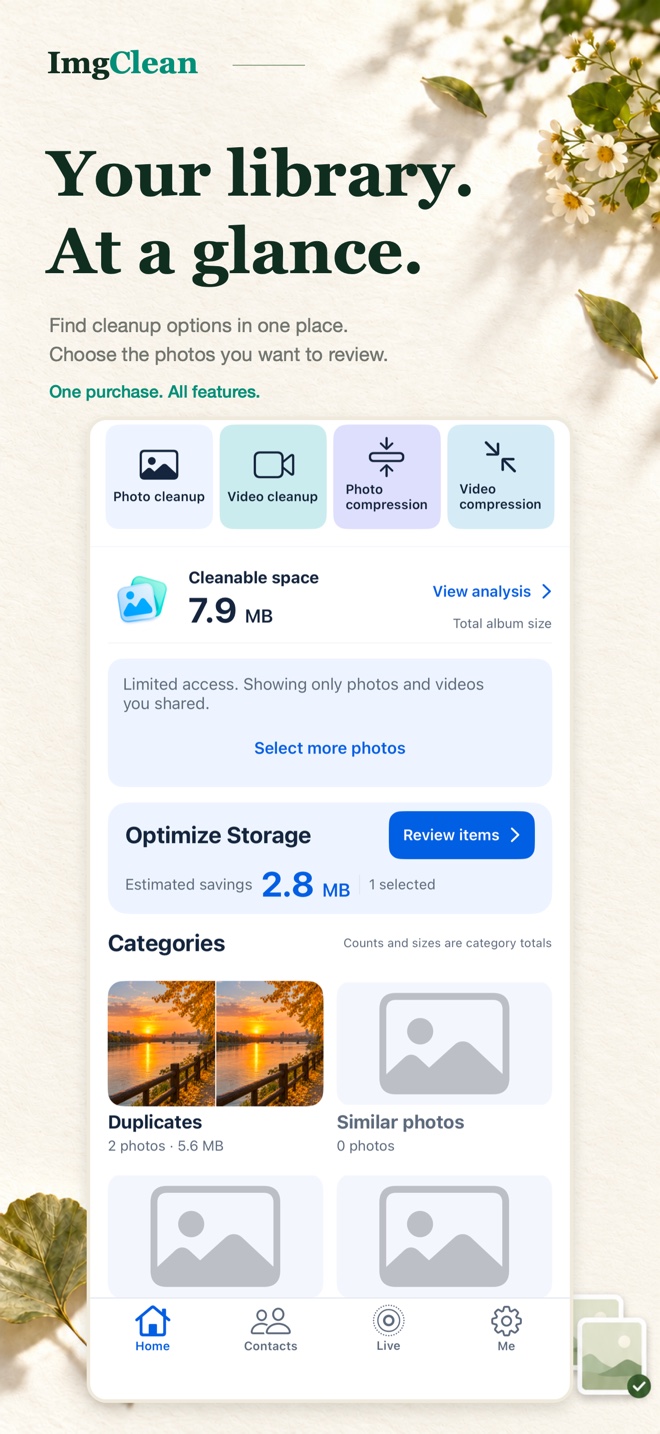
Browse photo groups, screenshots and large media files. Start with the items you want to review.
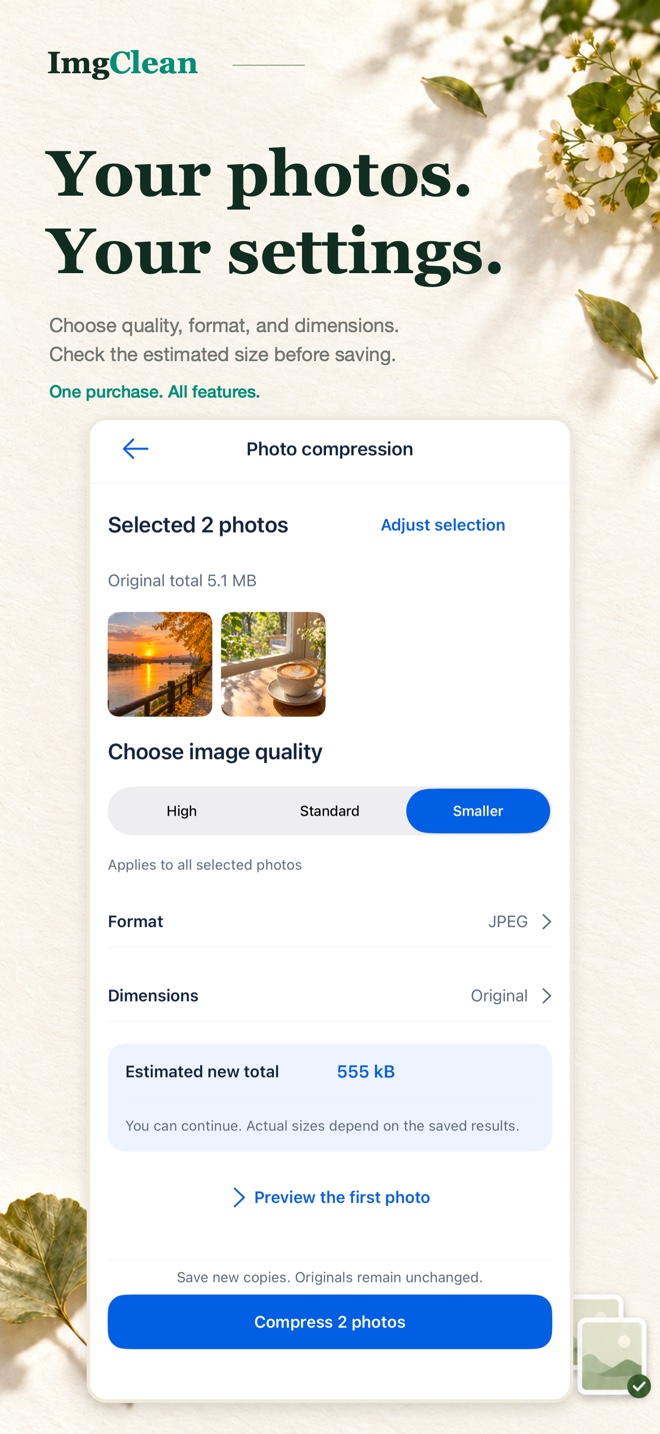
Adjust the available compression settings for your media, then review the result before saving.
Also includes Live Photo to still-image conversion and contact organization with local backup and restore.
No account required. Photo and contact features use only the items you allow access to. Storage savings depend on your files and iOS processing. Screens show demonstration content.
Here to help
For product questions or feedback, send us an email.